
Swipe your camera roll clean
Gleam finds the blurry shots, duplicates, expired screenshots and huge videos on your iPhone. You decide with a swipe. Try it on these.
Free for iPhone with iOS 17 or later. Every feature, 150 photos a week.


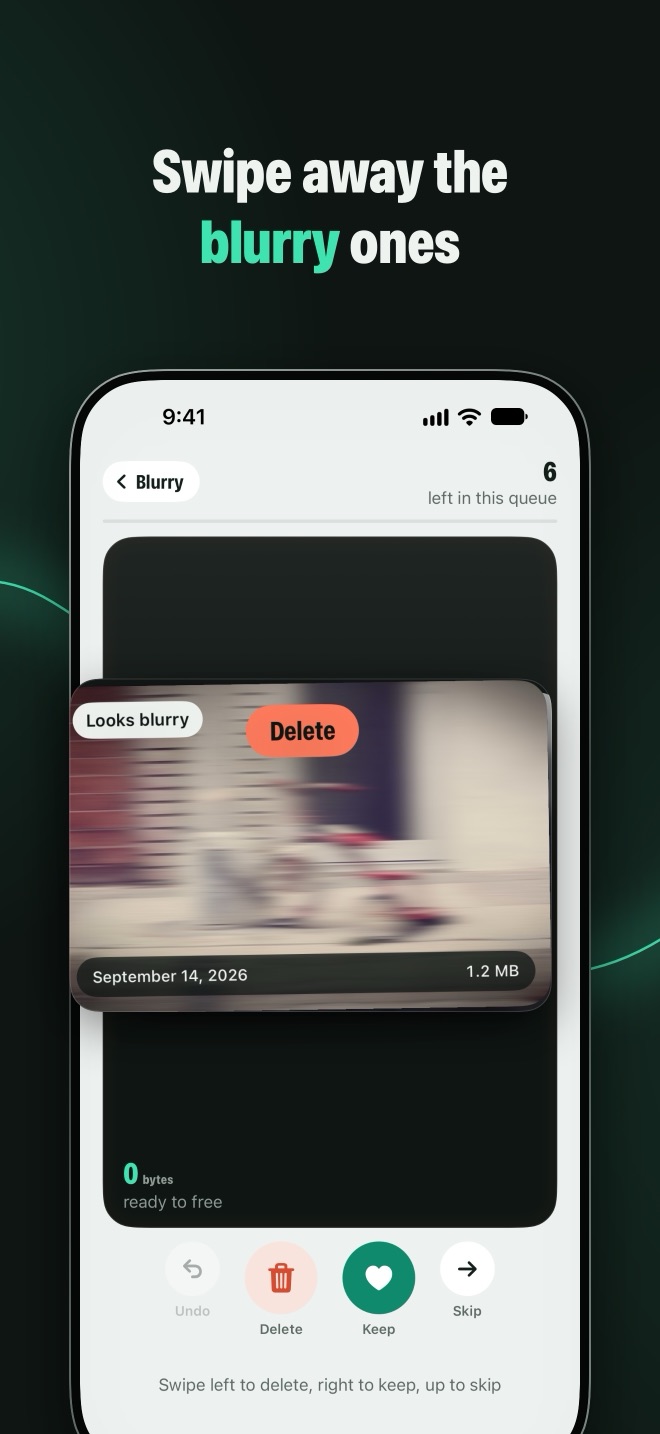
 Looks blurry
0 bytesready to free
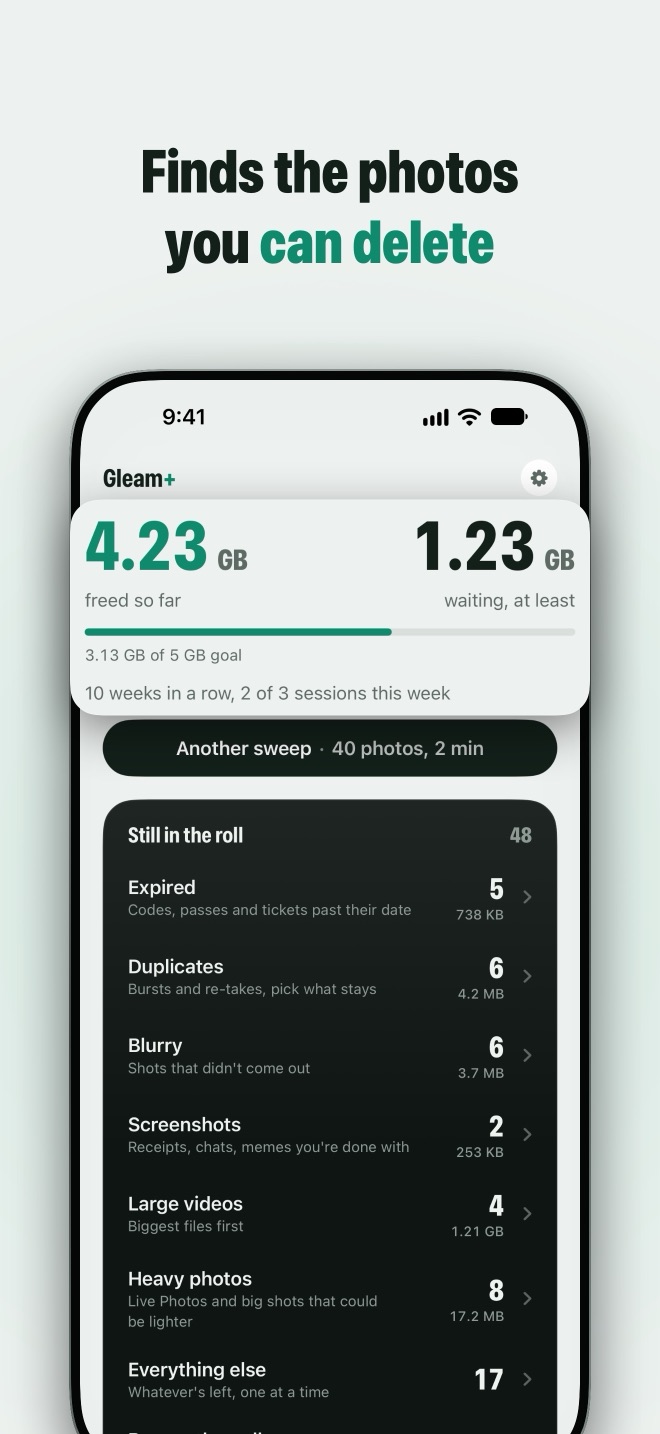
Still in the roll
The first time you open it, Gleam goes through your library on your iPhone and sorts what’s probably safe to delete into piles. Each one says why a photo is there.
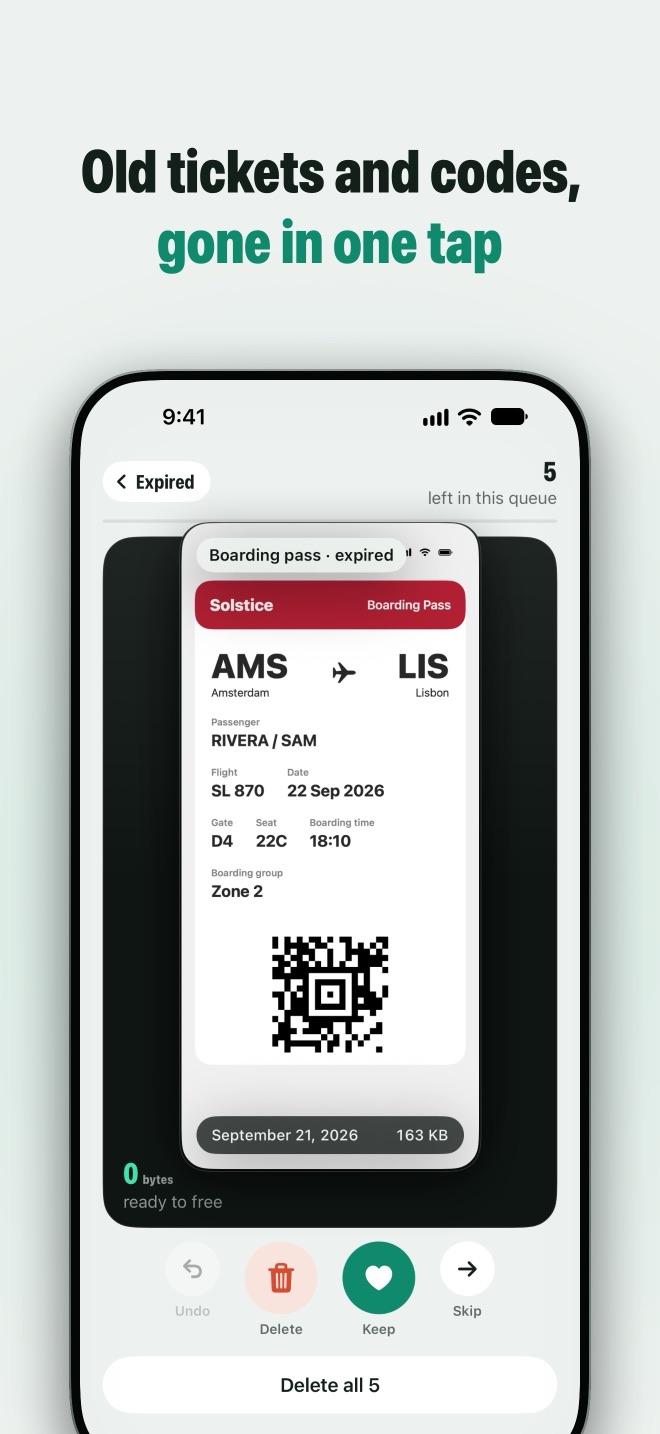
- ExpiredCodes, passes and tickets past their dateGleam reads your screenshots on your iPhone. Once the date on a boarding pass, ticket or code has passed, it lands here with Delete all.
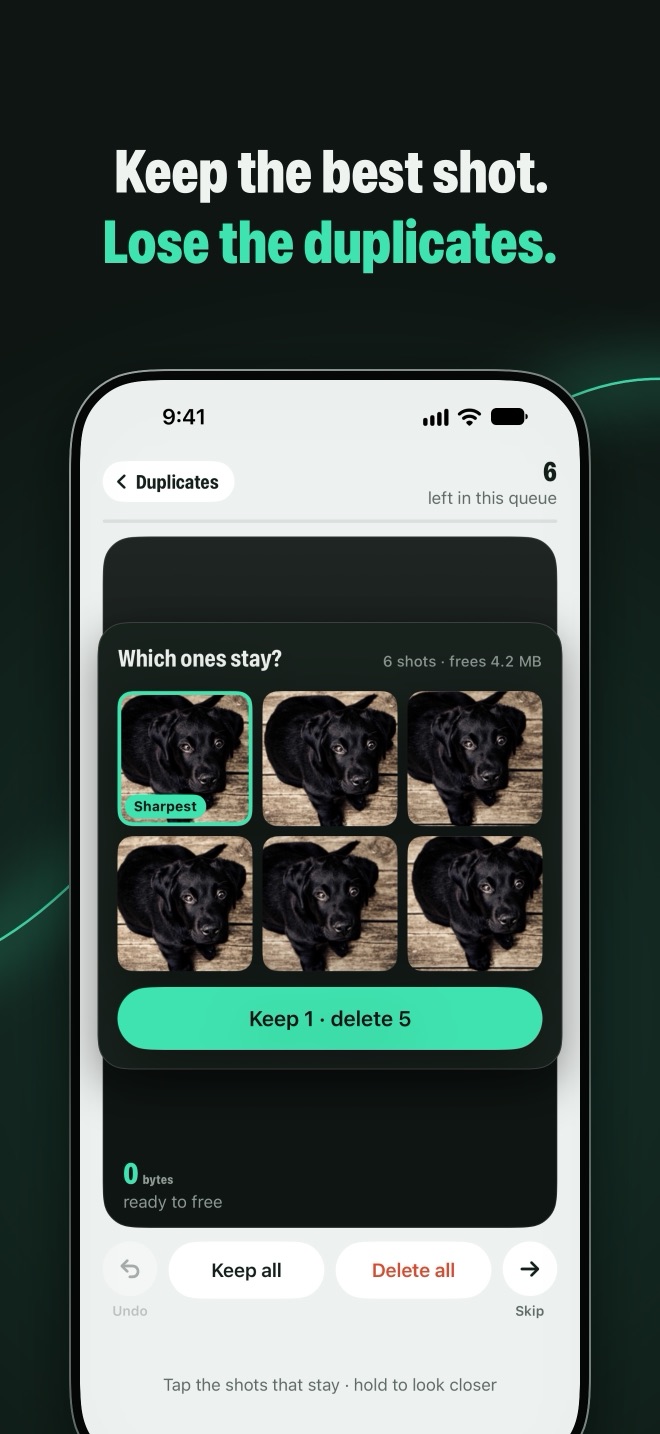
- DuplicatesBursts and re-takes, pick what staysShots of the same moment, grouped. The sharpest starts ringed; ring any others you want, confirm once.
- BlurryShots that didn’t come outSharpness measured on your iPhone, motion blur included, not only photos that are out of focus.
- ScreenshotsReceipts, chats, memes you’re done withThe rest of your screenshots, so the ones you’re done with go in a few swipes.
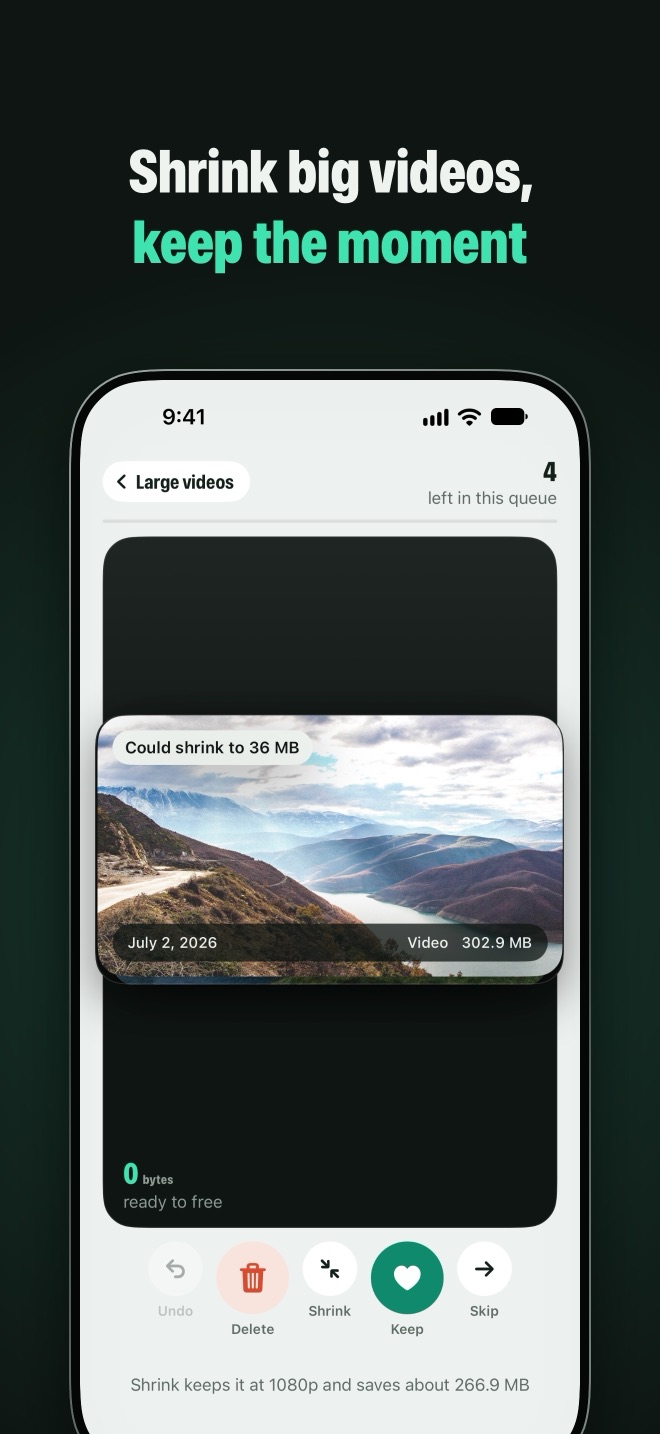
- Large videosBiggest files firstEverything over 50 MB. Delete it, keep it, or shrink it to a smaller copy with the same date, place and albums.
- Heavy photosLive Photos and big shots that could be lighterShrinking keeps the still exactly as it was and drops the extra weight.
- Everything elseWhatever’s left, one at a timeThe rest of the library, one photo at a time. Or take it a month or an album at a time, until it reads Sifted.
30 days
Nothing is gone for good
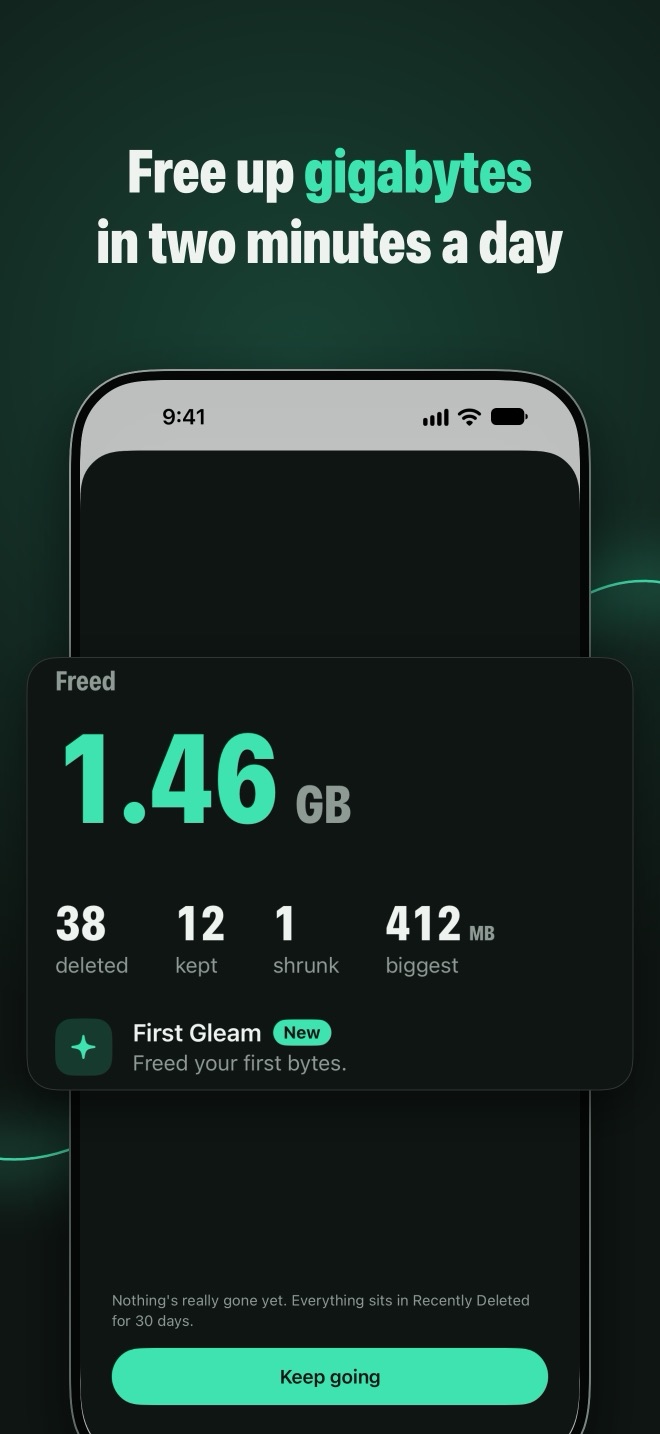
Gleam can’t delete anything permanently. Your swipes are only marked until you tap Free up, iOS asks you to confirm once, and everything waits in the Photos app’s Recently Deleted album for 30 days. Undo works on any swipe before that. How to get a photo back
0 bytes sent
Your photos stay on your iPhone
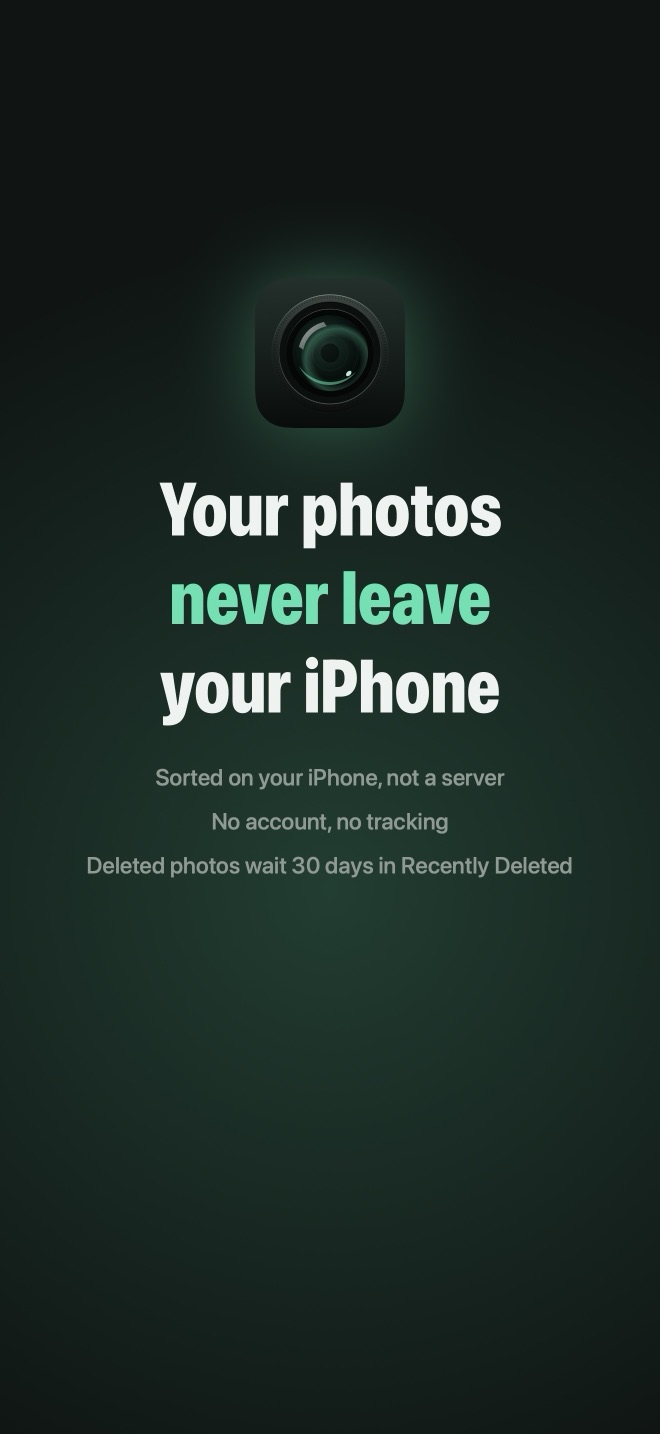
Gleam sorts your library with Apple’s on-device frameworks and makes no network requests. No servers, no account, no analytics, no ads. The App Store privacy label reads “Data Not Collected”. Privacy policy
2 minutes
A habit, not a chore
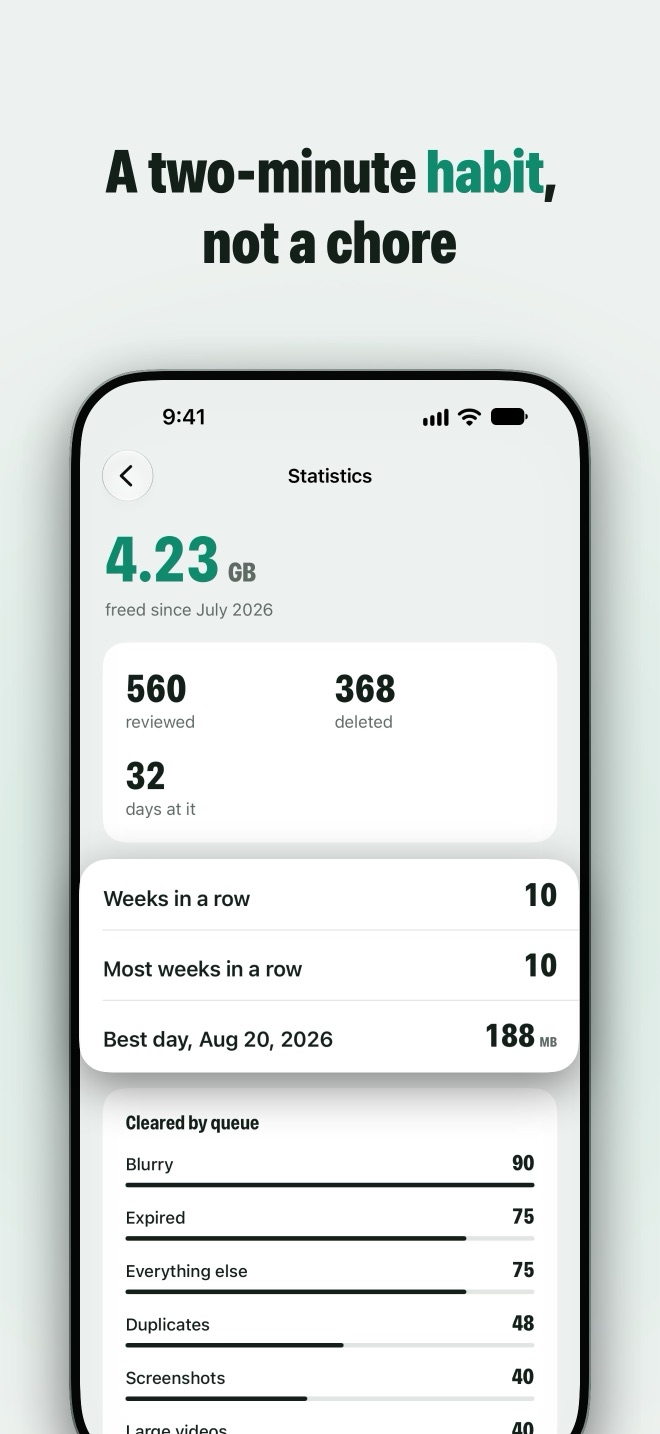
Your camera roll refills every week, so a one-off cleanup never stays done. Today’s sweep takes about two minutes across every pile. A weekly goal with streak freezes keeps you going without guilt, the widget shows what you’ve freed and what’s waiting, and a monthly recap shows how far you’ve come.
150 a week free
Every feature is free
The free version does everything Gleam does, for 150 photos a week. Skipped photos don’t count. Gleam+ removes the limit: $4.99 a month, or $24.99 a year with a 3-day free trial. No weekly plans, cancel any time.
US prices. Other App Store countries bill in their own currency. Gleam speaks 16 languages.
Guides for a full iPhone
What iOS can already do, and where Gleam saves you the scrolling.
- iPhone Storage Full? How to Free Up Space from PhotosPhotos and videos are usually the biggest thing on a full iPhone. Where the space goes, and how to get gigabytes back without losing what matters.
- How to Clean Up Your Camera Roll (and Keep It Clean)A practical order for clearing thousands of photos, the rules that make each decision quick, and how to stop the camera roll filling up again.
- How to Delete Duplicate Photos on iPhoneUse the Photos app's built-in Duplicates album for exact copies, then deal with the bursts and retakes it can't see.
- How to Find and Delete Blurry Photos on iPhoneiOS has no blurry-photo album. How to find the blurry shots in a big library, why motion blur is harder to spot, and how to take fewer of them.
- How to Delete Old Screenshots on iPhoneScreenshots pile up faster than any other kind of photo. How to clear thousands at once, find the ones worth keeping, and stop saving the rest.
- How to Make Videos Smaller on iPhone Without Deleting ThemVideos are usually the biggest files on an iPhone. How to find the large ones, shrink them to a smaller copy, and record smaller videos from now on.
- Do Live Photos Take Up More Space? How to Turn Them OffEvery Live Photo saves a short video with the still. How much space that costs, how to turn Live Photos off for good, and what to do with the ones you already have.
- How to Delete Photos from iPhone but Not iCloudWith iCloud Photos on, deleting a photo on your iPhone deletes it everywhere. Your real options for keeping photos in iCloud while freeing space on the phone.
- How to Recover Deleted Photos on iPhoneDeleted photos wait in Recently Deleted for 30 days. How to get them back, how to empty the album when you need the space, and what to try after the 30 days.
Two minutes today. A few gigabytes back.
Free for iPhone with iOS 17 or later. Every feature, 150 photos a week.